

All your communication, in one platform.
A rich, consistent experience on every major platform — Windows, Android, Apple, Linux — online in any browser and via any desktop email client. grommunio increases end-user satisfaction while reducing support costs and training needs.
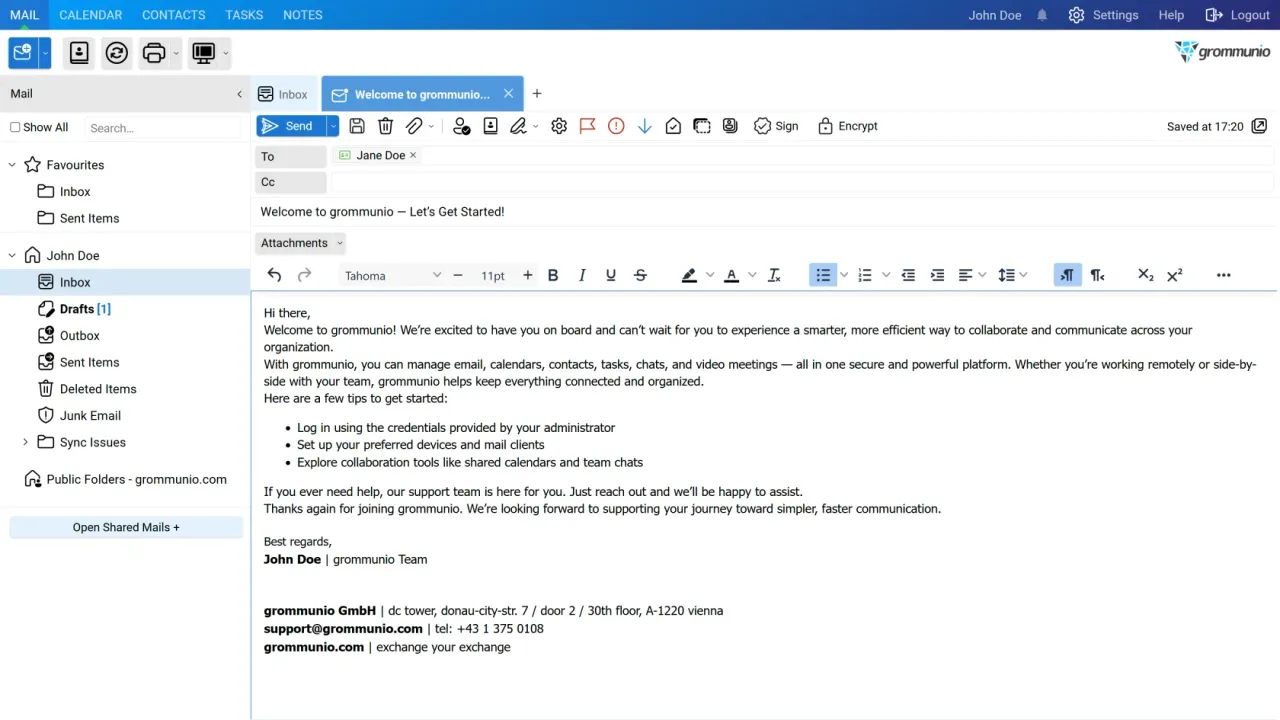
Email that works with your existing email clients
A fully-fledged, integrated web client — plus open protocols to connect any mail software you already use.
- Seamless Outlook compatibility — no plugins or middleware
- Mobile synchronization via Exchange ActiveSync
- Modern webmail in any browser, on any device
- Open protocols: IMAP, POP3, SMTP
- Shared mailboxes, public folders & global address lists
- Autodiscover setup in seconds
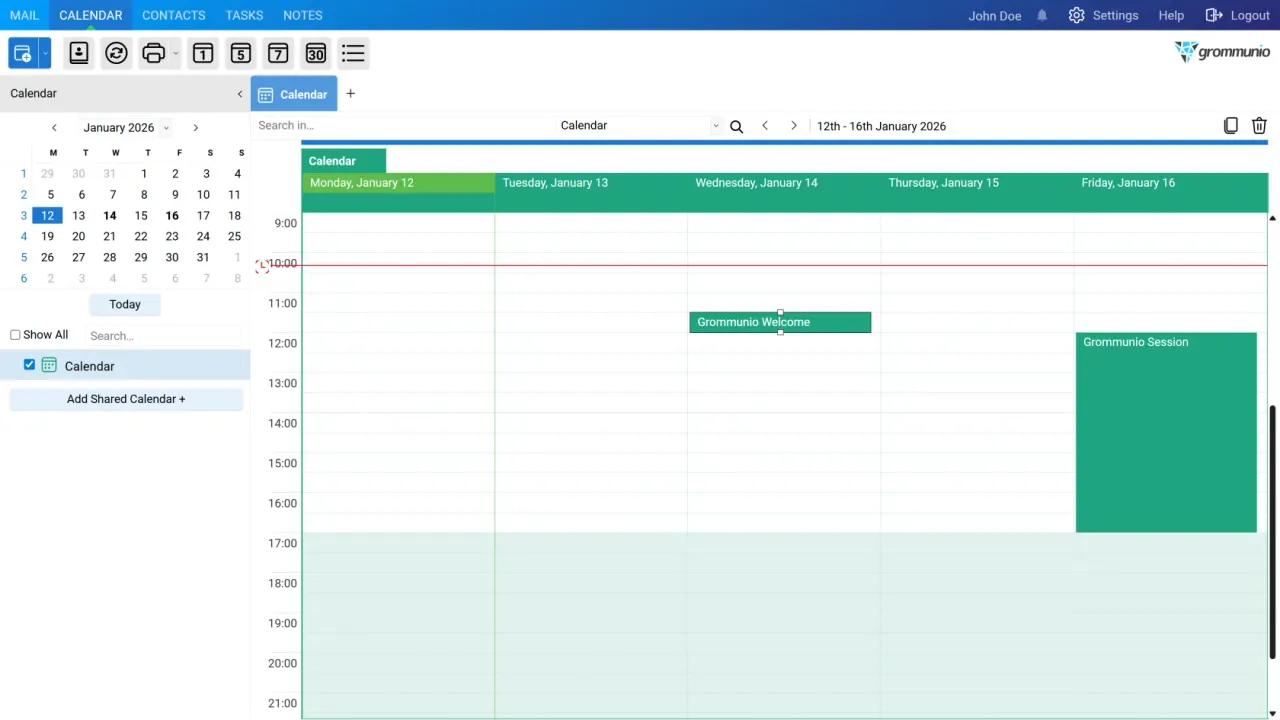
Flexible, synchronized, team-oriented calendars
- Access from anywhere with native EAS support
- Free/Busy integration with intelligent time suggestions
- Invitations with full tracking & participant management
- Recurring events with custom exceptions
- Shared calendars & delegation for teams and assistants
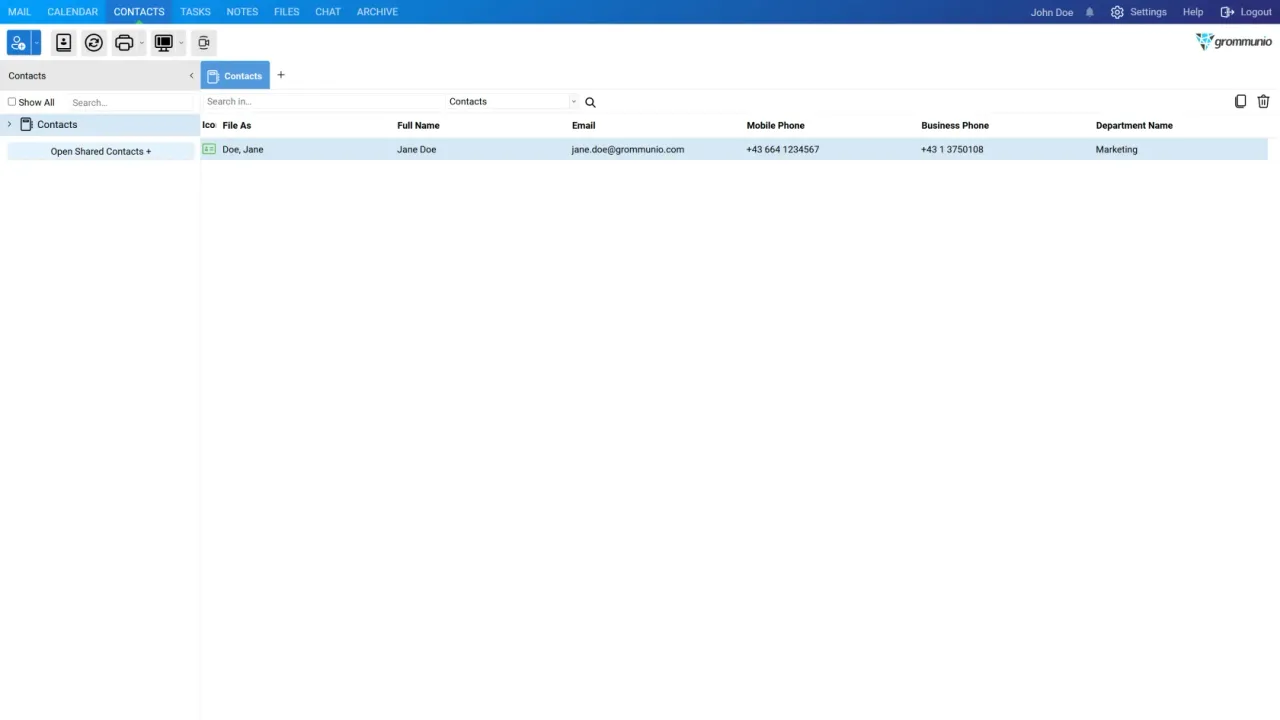
Organize your contacts your way
- Full contact fields — notes, photos, certificates and more
- Multiple contact folders to structure your address book
- Contact groups for teams, customers and projects
- vCard export for instant, easy sharing
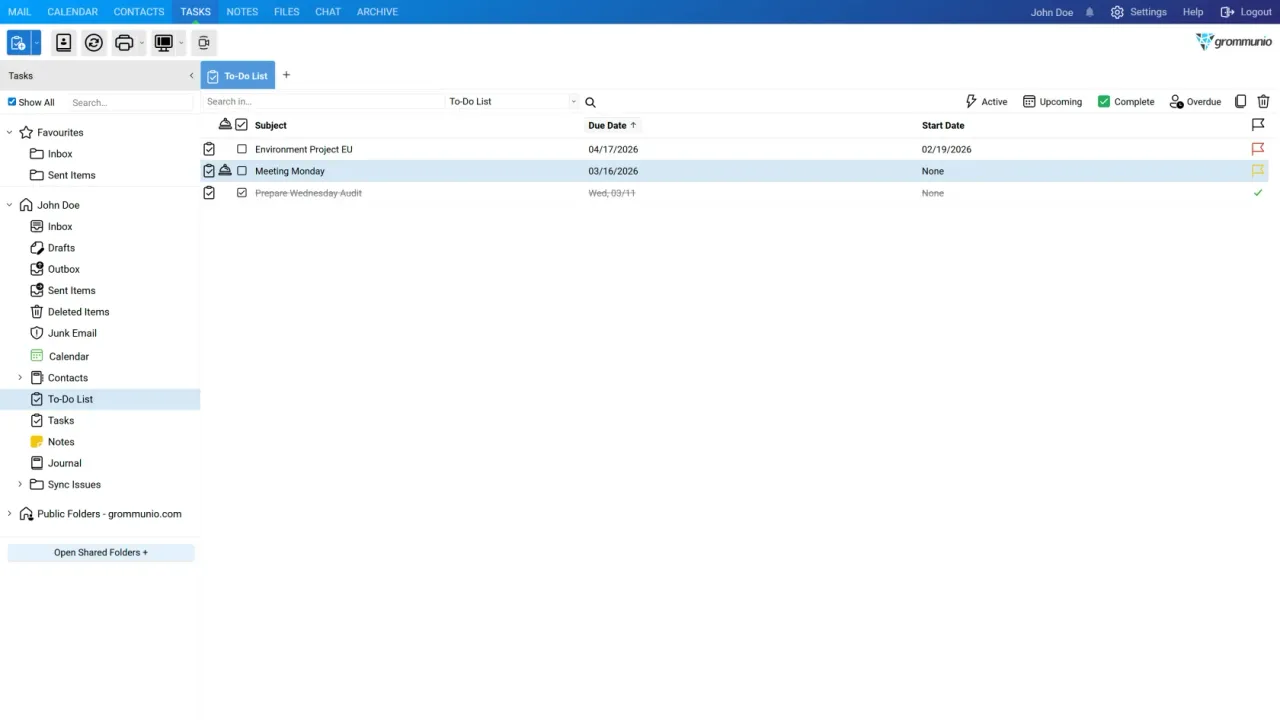
Stay on top of tasks and notes
- Track status, priorities and deadlines with categories & flags
- Turn emails into actionable tasks
- Automate recurring tasks with reminders
- Track time spent on tasks
- Take notes with a rich editor and shared folders
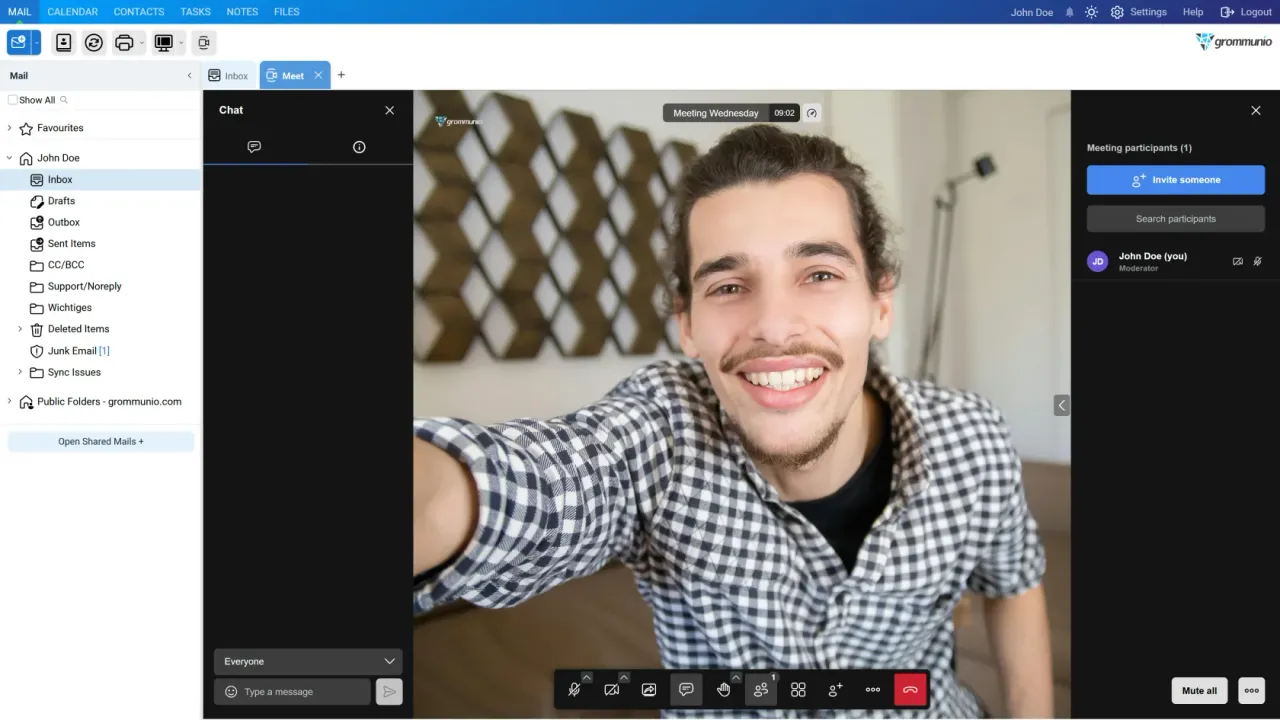
Secure, browser-based video meetings
Performant, scalable, endpoint-secured video conferencing — web-based or via app.
- Start meetings instantly — no software to install
- WebRTC-powered, works in all modern browsers
- Strong encryption for privacy-compliant meetings
- Screen sharing, moderation and presentation tools
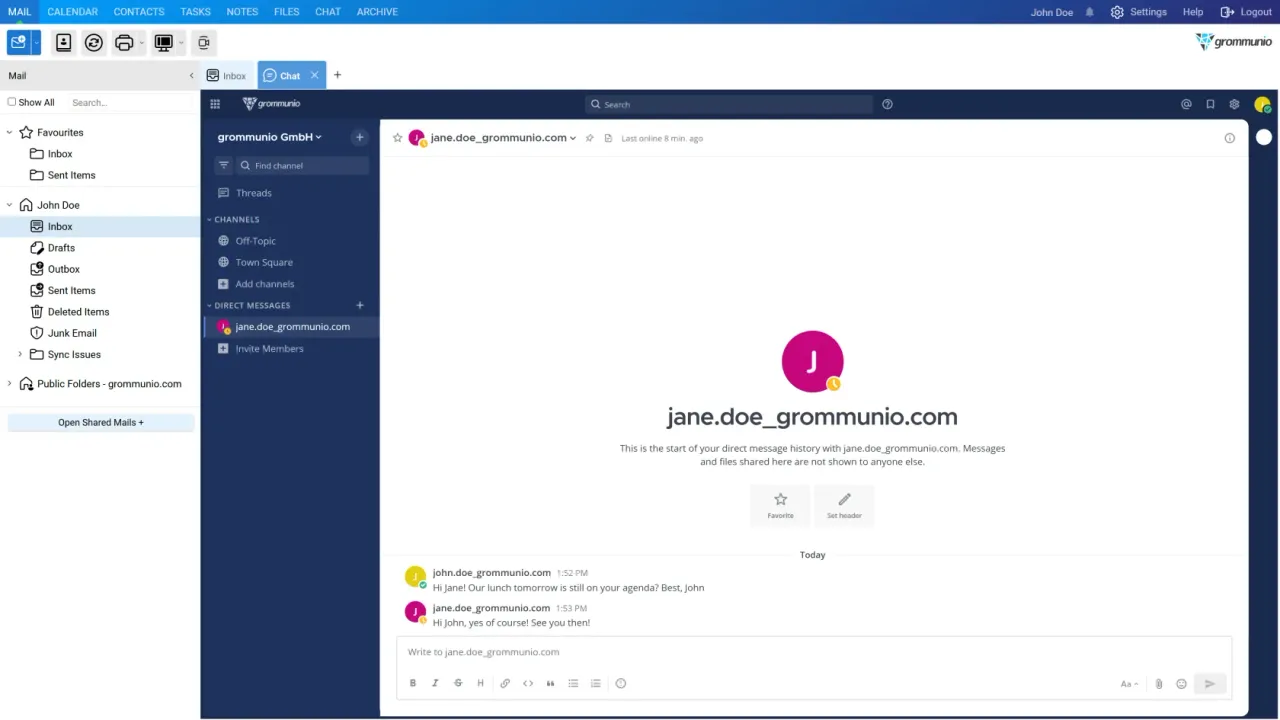
Enterprise chat for internal & external teams
- 1:1 and group chats with file sharing & unlimited history
- Workflow integrations and automation
- Cross-platform: iOS, Android, Windows, Mac, Linux
- Protected by enterprise-grade security
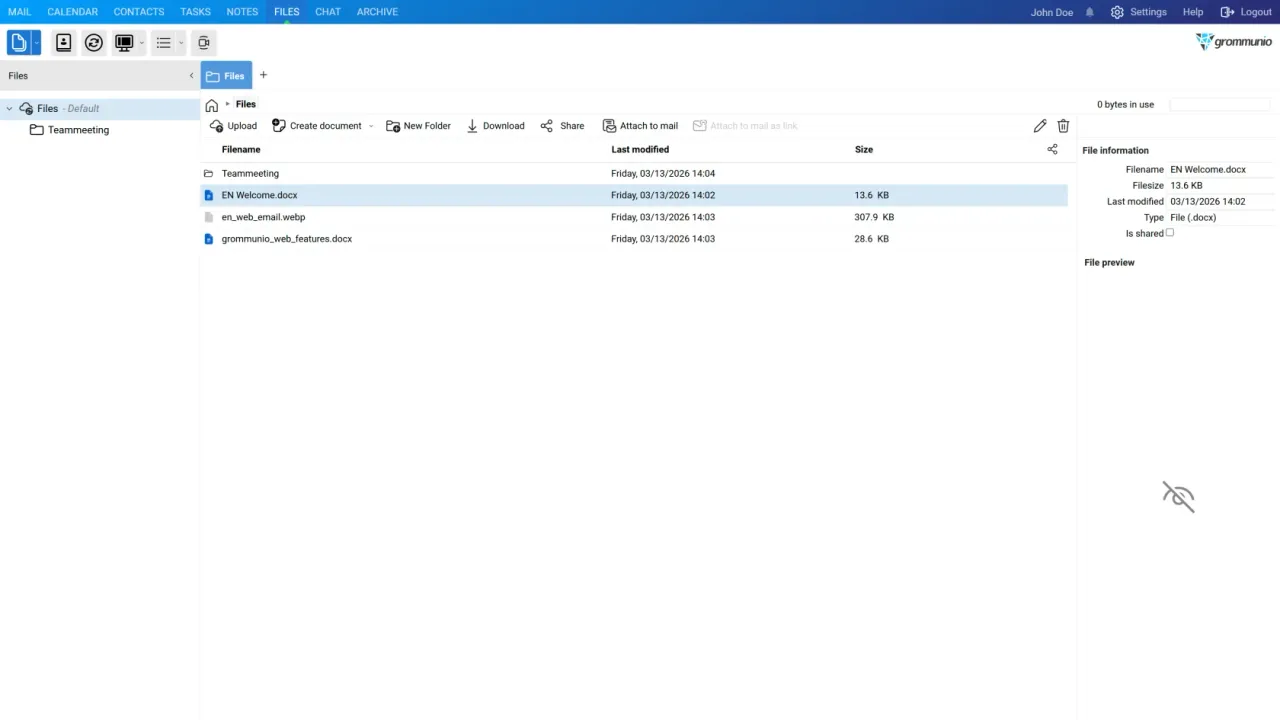
Share and secure your company data
- Secure file & folder sharing with passwords and expiry dates
- Synchronization and version control
- Smart search across large data sets
- Comments for ideas and metadata on any file
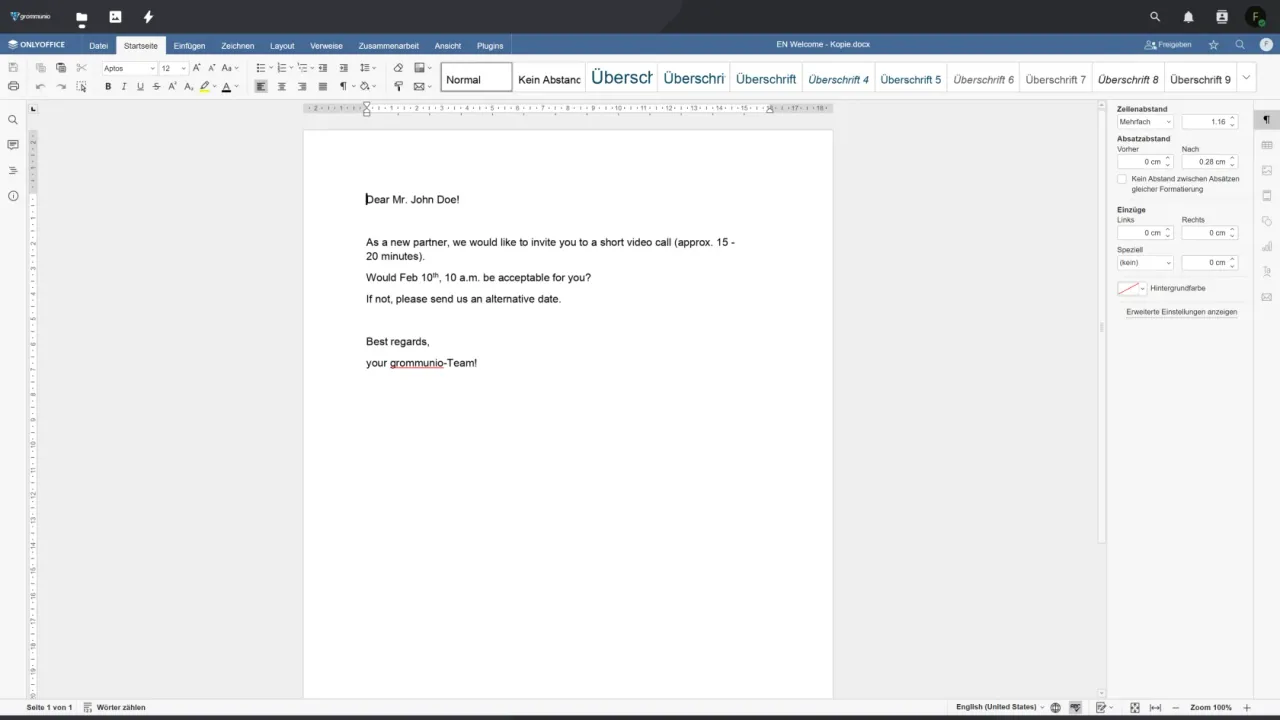
Edit documents online, together
Real-time online editing of documents, spreadsheets and presentations — seamlessly integrated into grommunio Files via OnlyOffice.
- Real-time co-editing in the browser — no local install
- Wide format support: DOCX, XLSX, PPTX, ODF and more
- Version history, comments and sharing management
- Central data repository for distributed teams
Powerful, centralized administration
Everything administrators need to run grommunio at scale — clear, efficient and browser-based.
Admin UI
Monitoring, statistics and resource usage; central user, group, domain and organization management; LDAP and server configuration — all in the browser.
Archive
Compliant, secure email archiving for business continuity, regulatory retention and legal discovery — with search, encryption, 2FA and audit logs.
Mobile Device Management
Central device control with remote wipe, encryption enforcement and password policies — working hand-in-hand with grommunio Sync.
Security built in
grommunio offers email encryption, secure transport and more — and integrates easily with third-party security applications.
- S/MIME signatures & encryption Authentication, message integrity, non-repudiation and privacy.
- Advanced spam protection Rule-based evaluation, statistical analysis and URL blacklists.
- Secure transport TLS and HTTPS across all communication.
- Open integration Easily combine with existing third-party security tools.
Deploy it your way
Deploy grommunio on-site, in your own data center, in a public or private cloud, or with one of our hosting partners. grommunio's deployment options let you meet data-sovereignty requirements and ensure the highest level of data protection. Full multi-tenancy and delegated administration are supported, so hosting and service providers can operate grommunio for many organizations from a single platform.
Features — frequently asked questions
Does grommunio support Microsoft Outlook?
Yes. grommunio supports Outlook Desktop natively via MAPI / HTTP and Outlook mobile via EAS. Existing Outlook environments can therefore continue to be used without additional plugins or middleware.
Which protocols are supported?
grommunio supports RPC / HTTP, MAPI / HTTP, EAS, EWS, IMAP, POP3, SMTP, HTTPS, CalDAV, CardDAV, LDAP and the full range of MS-OXC* / MS-OXNSPI / MS-OXVCARD protocols. This enables seamless integration into existing Microsoft and standards-based environments.
Does Apple Mail / Calendar / Contacts work natively?
Yes. On macOS and iOS, Apple Mail, Calendar and Contacts connect natively — Mail via EWS or IMAP, Calendar via CalDAV (or EWS), and Contacts via CardDAV. No third-party client and no plugin is needed.
Can mobile devices (iOS / Android) sync mail, calendar and contacts?
Yes. Any device speaking Exchange ActiveSync (EAS) connects out of the box — that includes the built-in mail apps on iOS and Android, Outlook for iOS / Android, and most third-party mail clients.
Can users edit Word, Excel and PowerPoint documents in the browser?
Yes. grommunio Office provides browser-based editing for Word, Excel and PowerPoint files (and their ODF counterparts) directly on top of files stored in grommunio — no local install required.
Can we migrate from Microsoft Exchange or another IMAP server?
Yes. grommunio ships tools to migrate from Microsoft Exchange via PST imports, and from IMAP-based servers mailbox-by-mailbox. Partners offer professional services for larger or multi-step migrations.